
How to make a Money Flex AI video from one photo
Prepare a photo, choose a quality, understand credits, and download a cash-flex MP4.
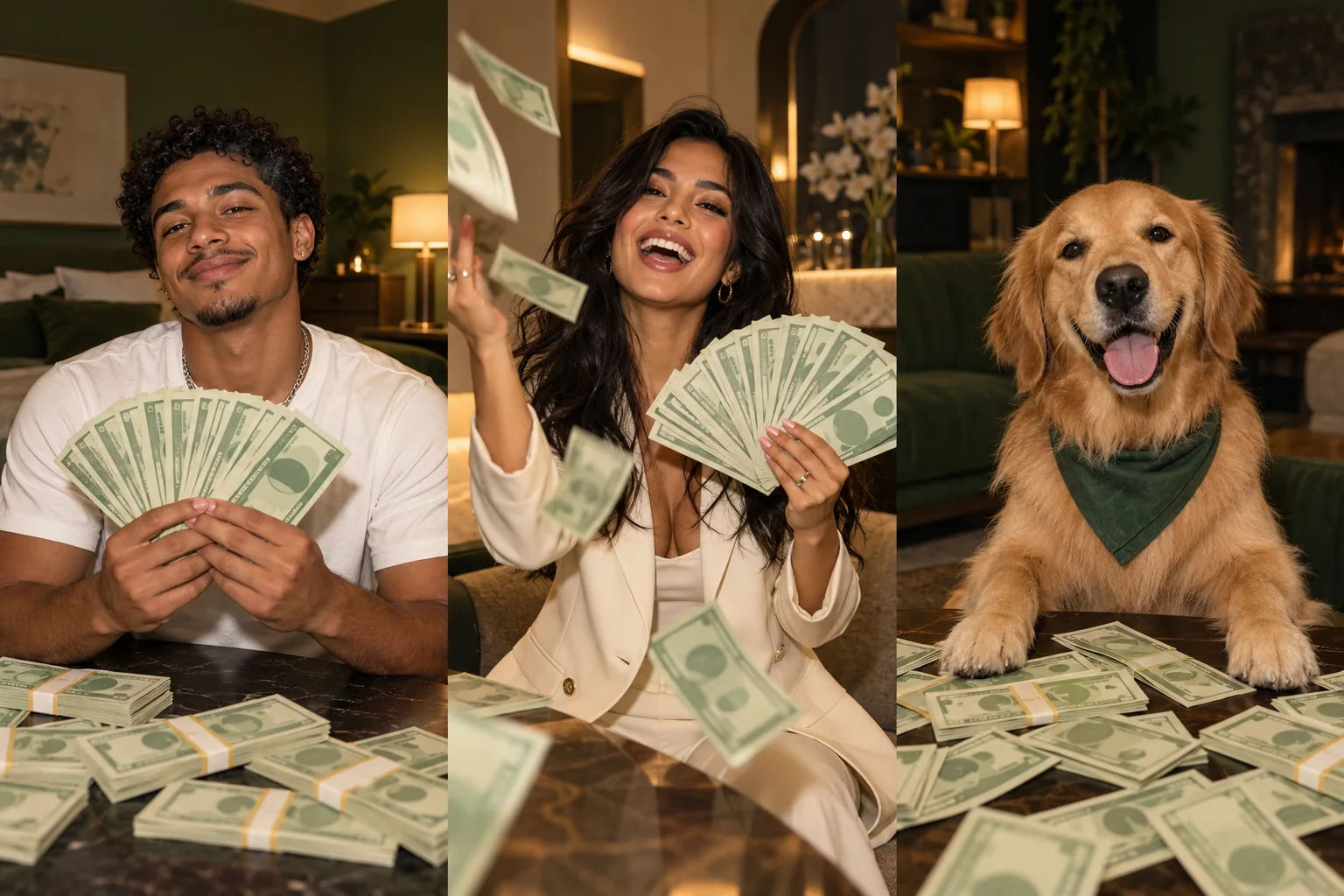
Money Flex AI turns an adult portrait into a playful cash-flex performance. The prepared prompt follows a stack of fictional money, a cash fan, a face reveal, and falling notes. You do not need to record an original performance.
1. Choose your photo
Use one adult, front-facing, with visible hair and shoulders. A waist-up photo is useful. Keep the eyes uncovered and avoid heavy filters. Supported files are JPEG, PNG, and WebP up to 10 MB. Selecting the photo prepares it locally; it is sent to the provider only after a generation submission.
2. Choose quality and review credits
The first workflow creates a 10-second vertical 9:16 MP4. A 480p render uses 20 credits, 720p uses 45 credits, and 1080p uses 80 credits. Money Flex AI has no free generation or signup credits. See the credit packs.
Confirm permission for the photo and sign in. If generation is unavailable, you can explore the still scene concepts and prepare your source image. Do not mistake a scene illustration for a completed video.
3. Generate and follow the task
When the service is configured, submit once and follow the task in your video library. Wait time depends on the provider queue. An uncertain submission should be reviewed before retrying, because a new request may become a separate paid task.
4. Review and share
Preview your completed MP4. Look at the face reveal, moving hands, and prop notes. AI may change details, and higher resolution does not guarantee a better likeness. Confirmed technical failures restore credits.
Only approved template audio is included. Add permitted music in your publishing app, and follow its synthetic-content rules. All notes are fictional and must not be presented as evidence of real earnings.
Open the Money Flex AI generator, read photo tips, or compare alternative workflows.